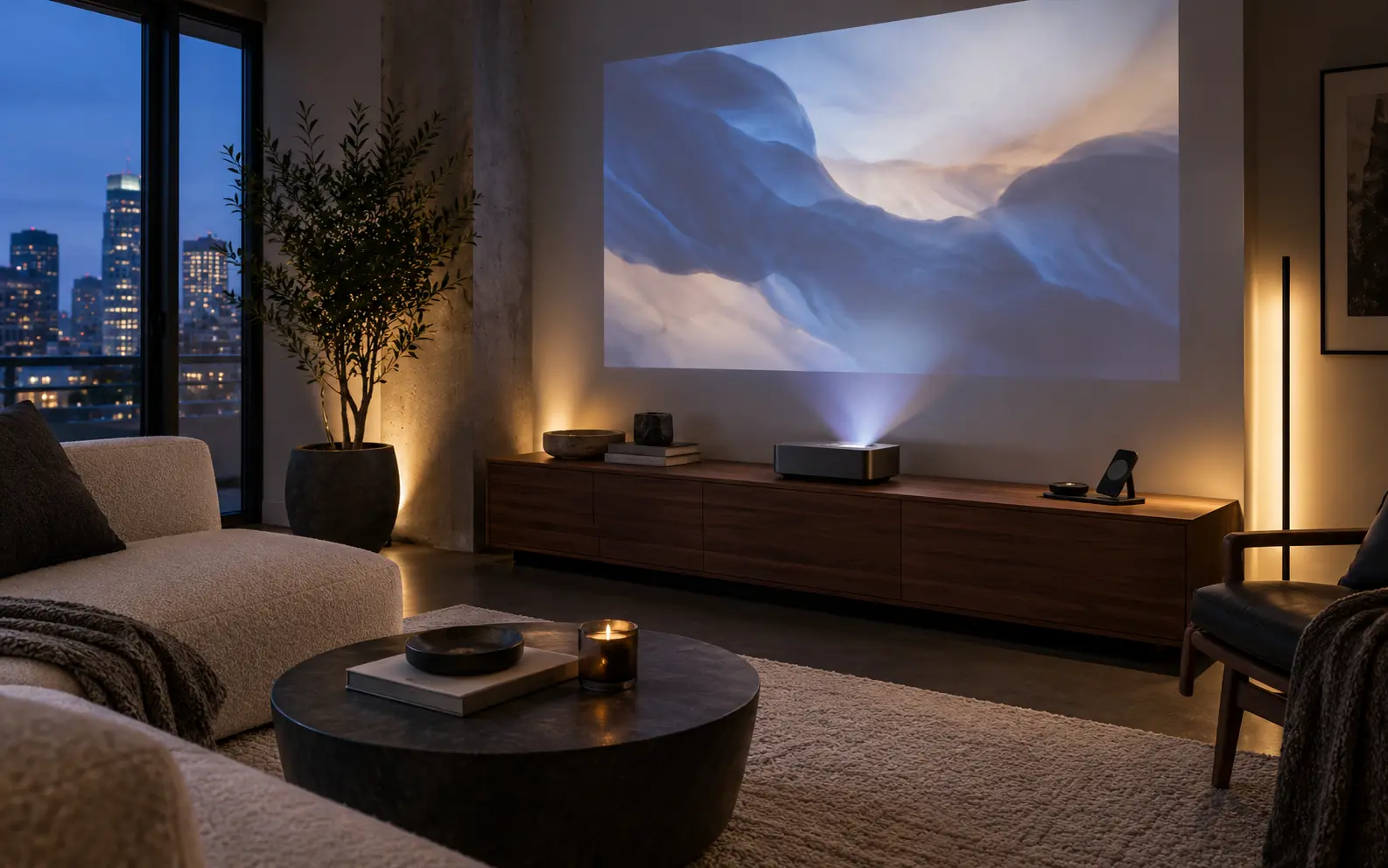
A better tech setup often starts with moving what you have. Before buying another charging stand or smart device, look at where cables, adapters, and screens are competing with the rest of the room.
Choose one charging spot
Group everyday charging near an outlet where devices can rest securely. Keep ventilation and the charger’s instructions in mind. A surface near the entry or desk may work better than several loose chargers scattered around the living room.
Shorten the visible route
Position furniture so leads follow a simple path rather than crossing open space. Reusable cable ties can group loose lengths without pulling them tight. Keep plugs accessible, and avoid pinching cables beneath furniture or running them under rugs.
Keep equipment able to breathe
Closed storage can look tidy, but routers, game consoles, and charging devices need the clearance their manufacturers specify. Do not trade reliable operation for an entirely hidden setup. A less prominent open shelf may be the better compromise.
Choose a device by its job
If your goal is easier music, evaluate the speaker and controls you will use. If it is switching a lamp, start there. New features are only useful when they improve a routine you already have.
Keep the ordinary controls
A shared room should still be easy for someone else to use. Make the light switch obvious and leave a practical way to operate everyday devices without needing your phone.
Remove unused chargers, group the cables you still need, and move one device out of a sightline. Then decide whether you need to buy anything at all.